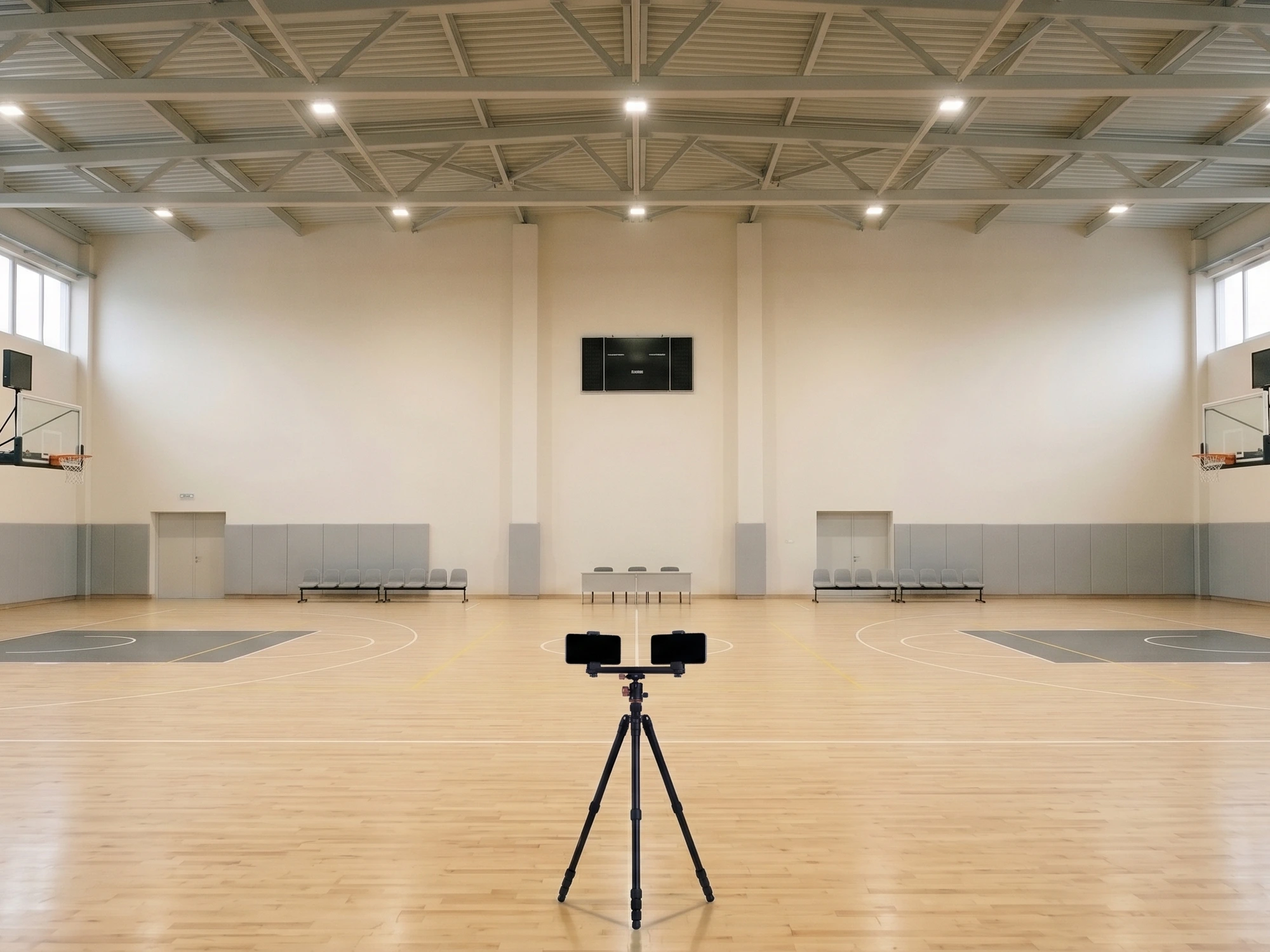
Two phones. One per half of the court.
Side by side on the same tripod, at the middle of the long side. One films the left half, the other the right half. The app does the rest.
Volleyball. Sets, rally scoring, attacks by zone.
At half court, up high, a few metres back.
A single tripod, at the middle of the long side and a little back from the sideline, with the two phones side by side: each one turned towards its half. The higher they are, the better they see. No cables, no computer.
Any photo tripod will do. The Visicatch double mount, which keeps the phones close together and adjustable, is being designed.
With a single phone the app still films the match, with the scoreboard and the stats: for small courts, such as a volleyball court. The automatic director turns on when the second phone connects.
It follows the play, like a director.
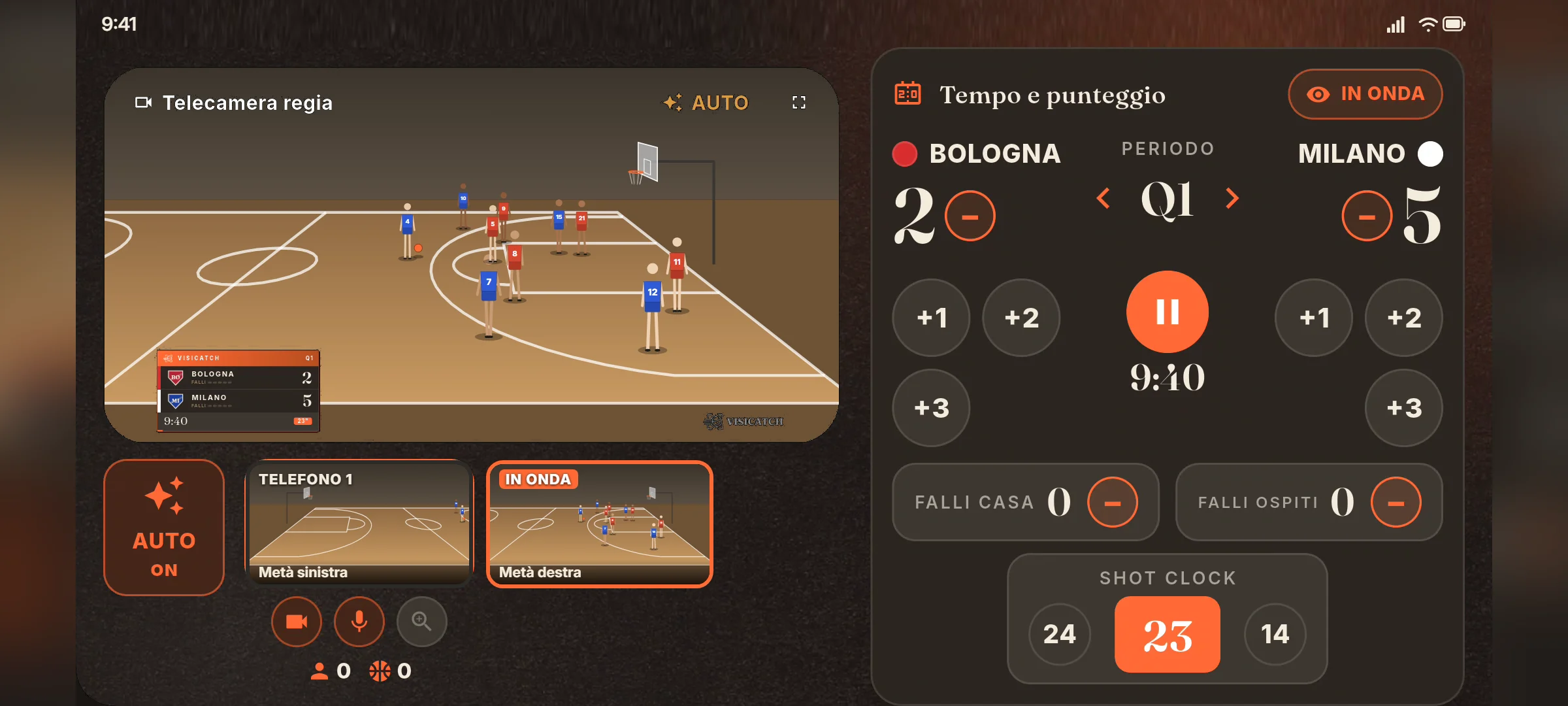
The director puts on air the phone where the play is and switches by itself when the action moves. Every sport has its own director.
- 01
No jumpy cuts
The shot stays still when it should, and changes when it needs to.
Ready - 02
It keeps up with the fast break
Even when the play suddenly moves from one half to the other.
In testing - 03
Manual control is always there
A tap on a phone puts it on air; a tap on AUTO gives control back to the automatic director.
Ready
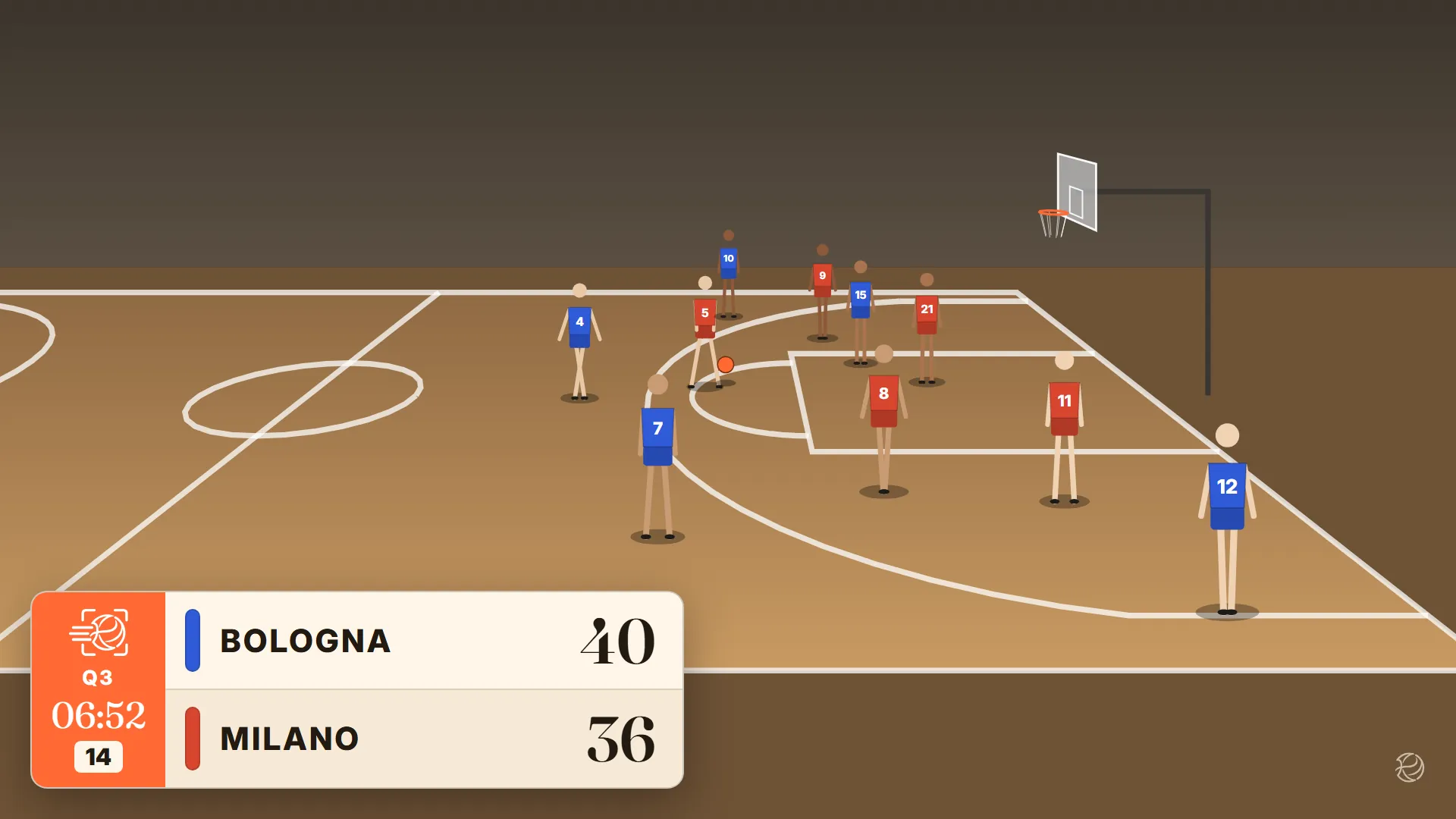
The score is inside the video.
Score, period, clock, fouls and bonus, with both teams' colours and logos. Every sport has its own scoreboard: sets in volleyball, cards where they exist, the 24-second clock in basketball. The video comes out of the phone like this, and the score is updated with a tap, from the director or from a third phone.
Several styles to choose from, from 16:9 to vertical stories.
The summary fills itself in during the match.
One tap per action, from the bench. The point goes into the scoreboard and the summary at once.
Each dot is a shot. As you scroll, shots gather by zone, with the share made. An illustration, not data from a real match.
The box score columns
They change with the sport: a volleyball summary is not a basketball one with different numbers. The meaning of each abbreviation shows on hover or tap.
Tap per action
Basket, miss, rebound, foul. A wrong entry is undone with one tap.
Versions of the summary
In colour for the phone, in black and white with little ink for printing.
The whole season
Matches add up per team and per player: totals, averages, percentages.
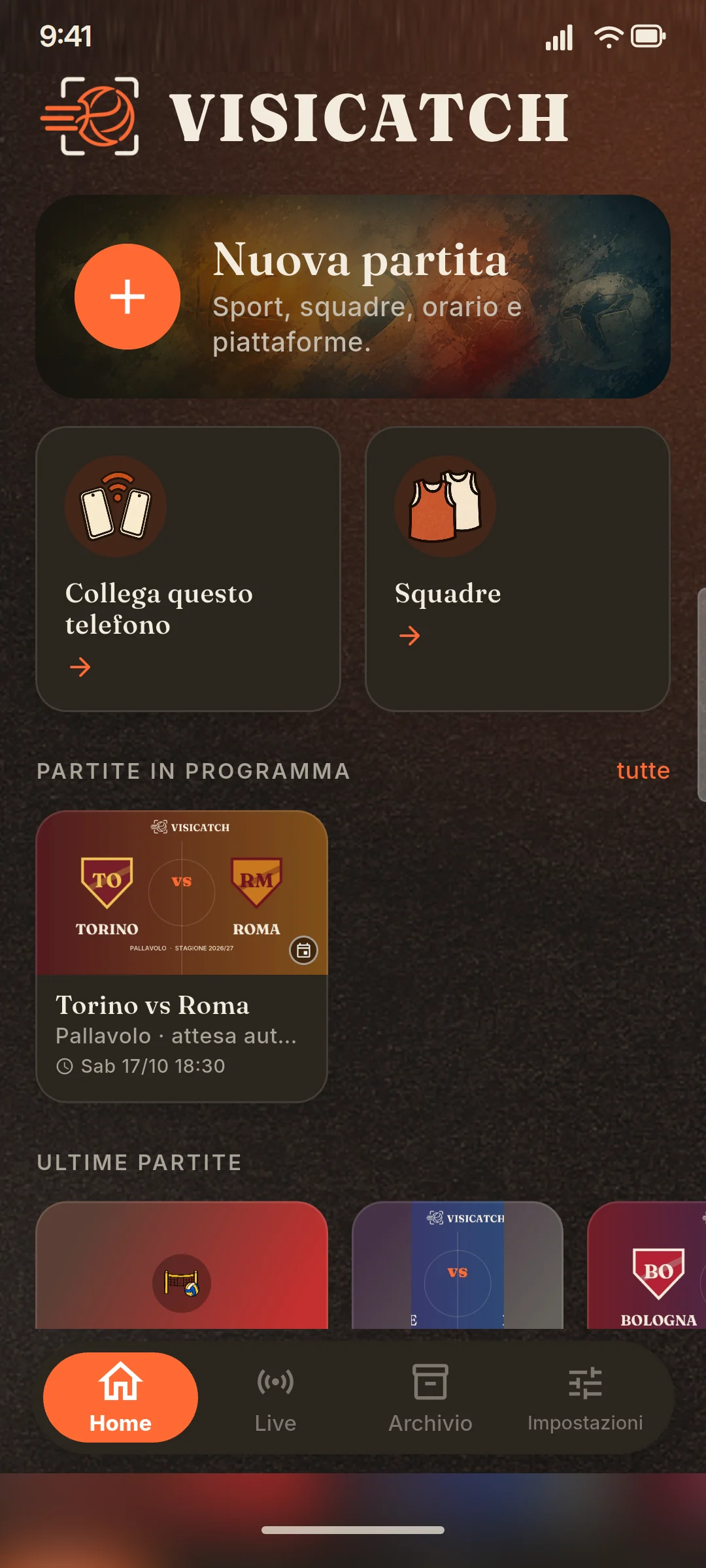
Teams, matches and archive in one place.
Home
Upcoming matches and the ones already filmed.
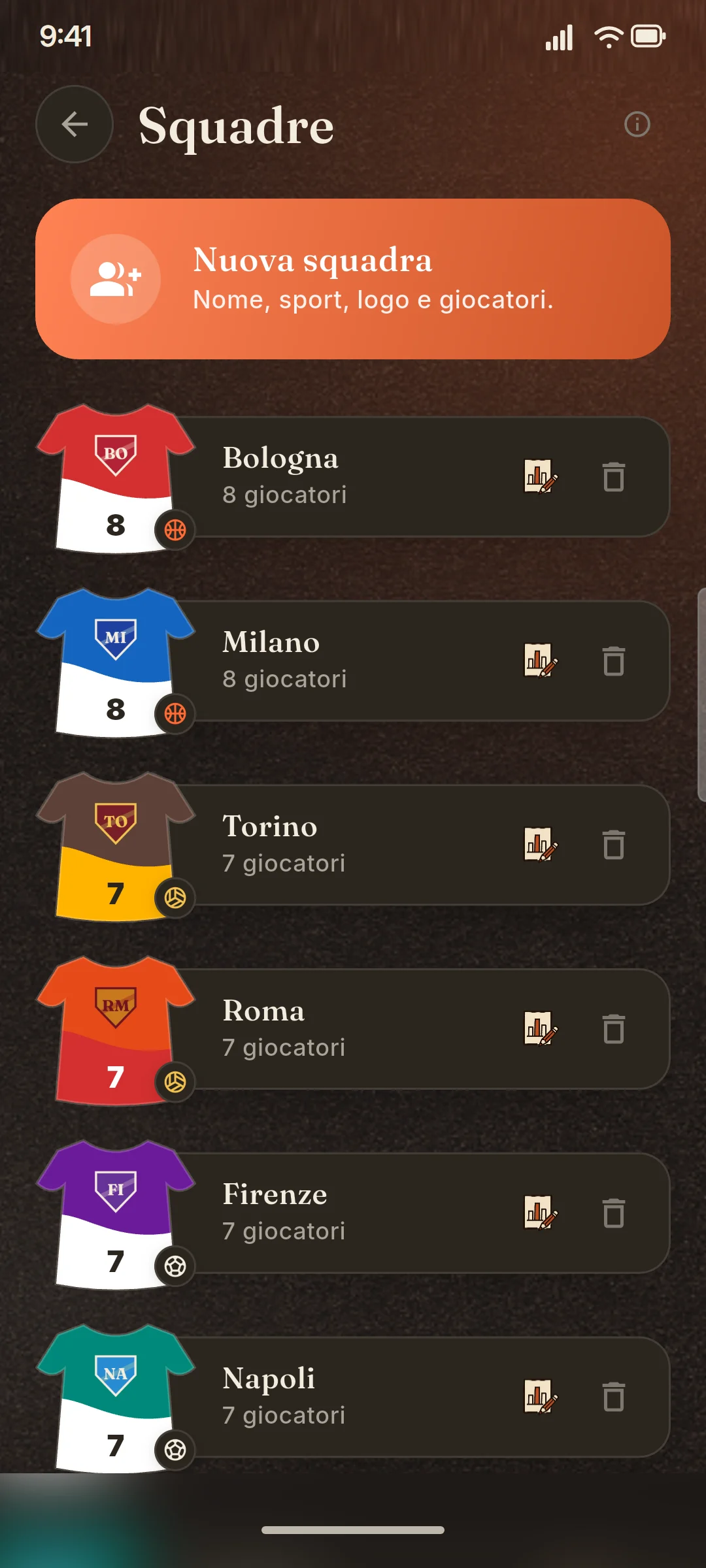
Teams
Players, shirt numbers, colours and crest.
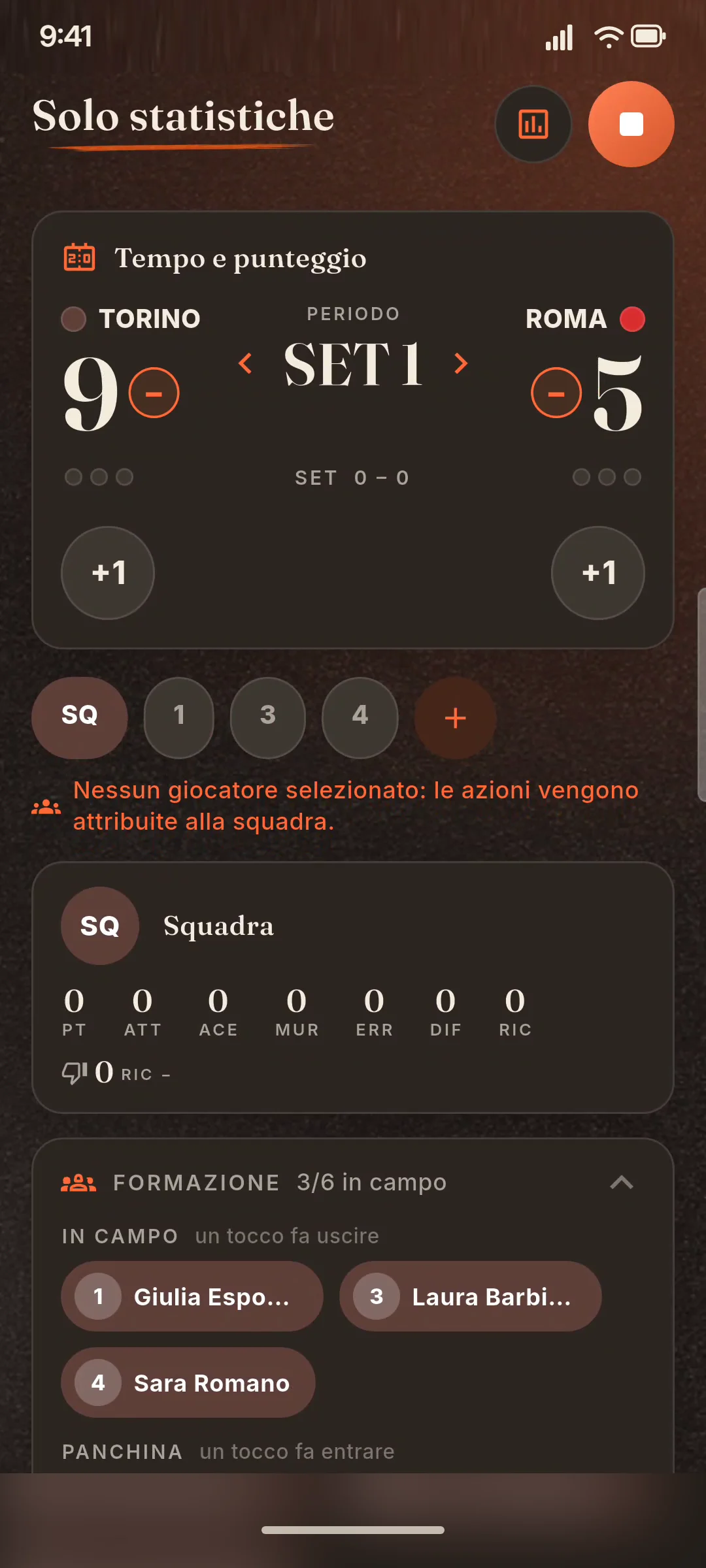
Stats
Tap-based entry, box score and maps.
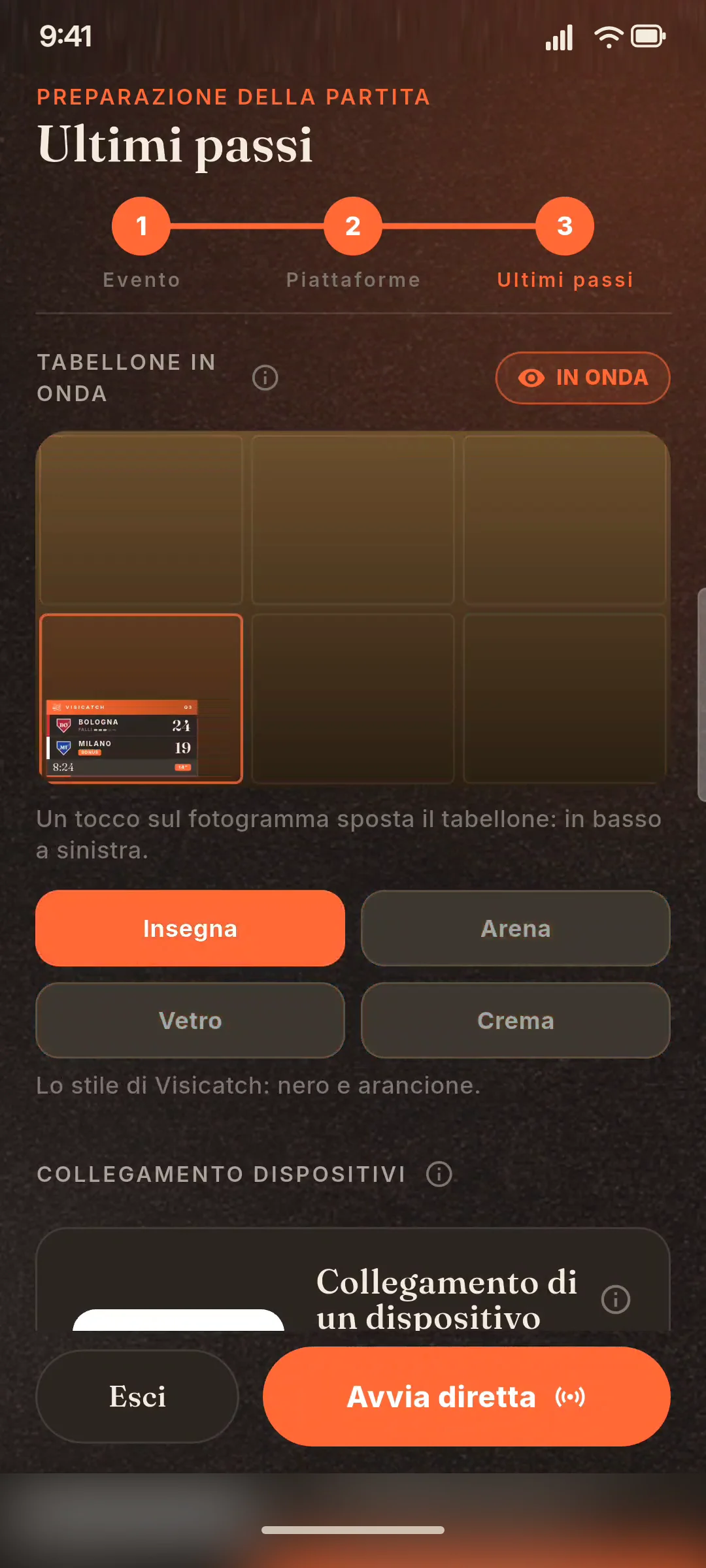
Scoreboard
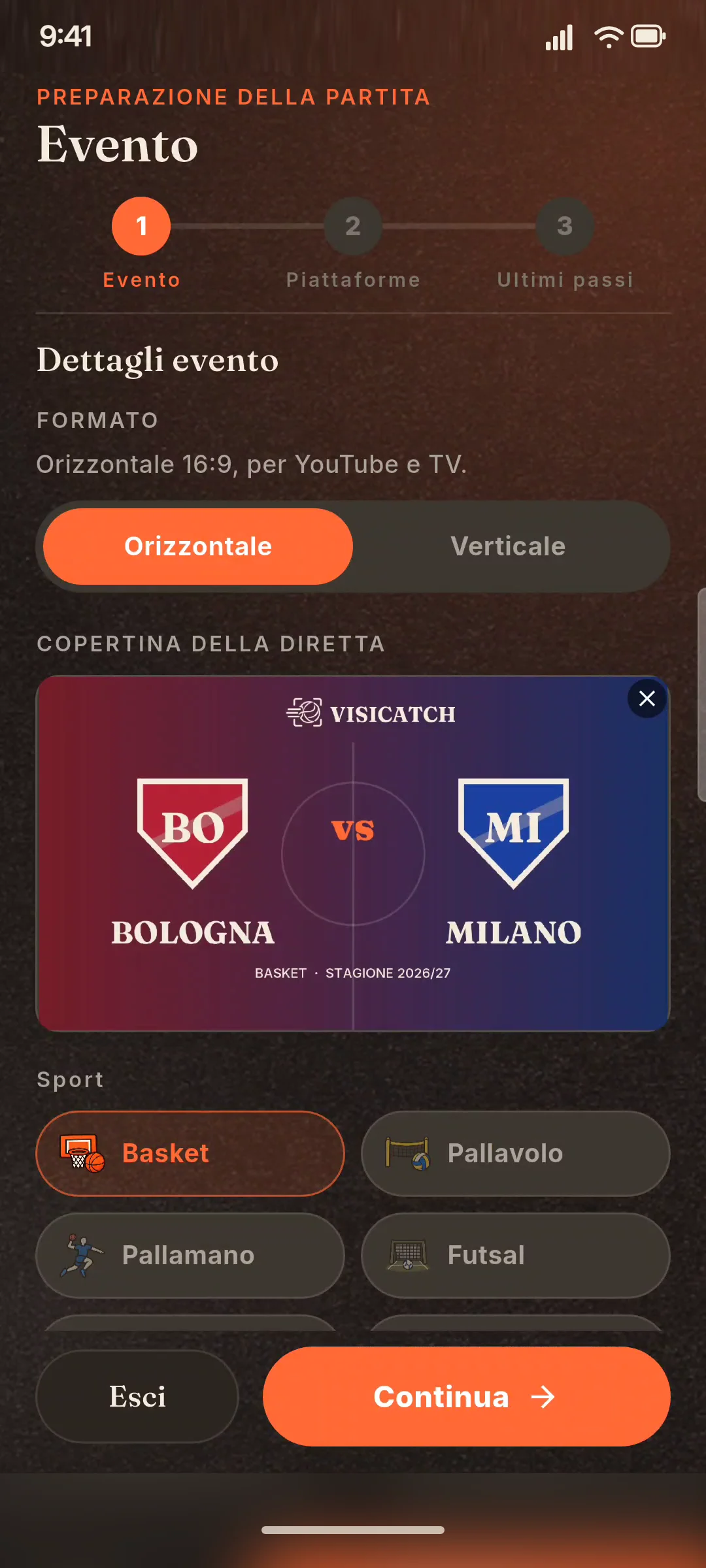
Style and position, previewed on a real frame.
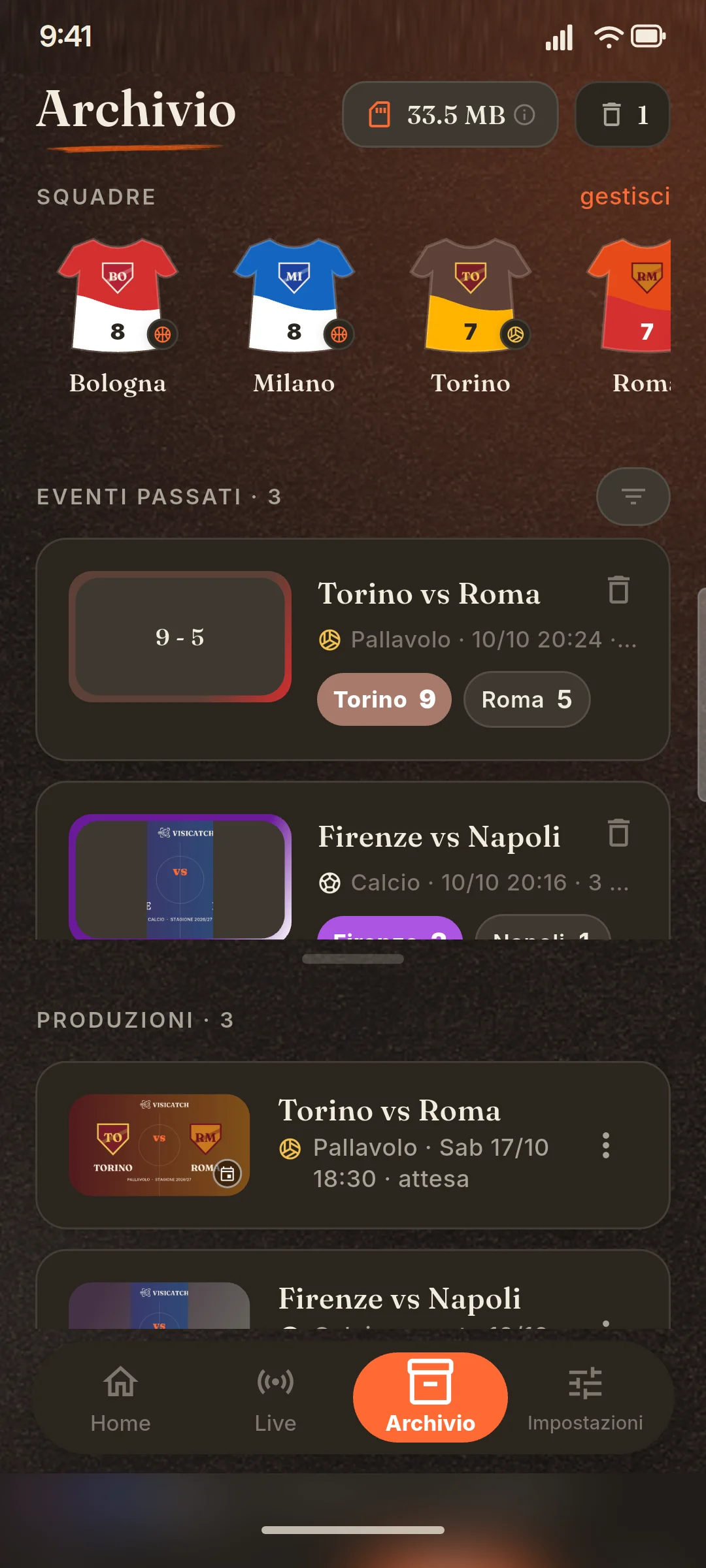
Archive
Video, summary and cover of every match.
Every sport has its own rules. The app knows them.
Periods, scoreboard, stats and directing change from one sport to another.All five are open in the beta.


Basketball
Quarters, 24-second clock, team fouls, 2- and 3-point shots.


Volleyball
Sets, rally scoring, attacks by zone.


Handball
Halves, 2-minute suspensions, saves.


Futsal
Goals, shots, saves and cards.


Football
7- or 11-a-side, stoppage time, extra time and penalties.
It leaves the gym only if you choose.
The match is recorded on the phone: a single file, with the camera switches, the scoreboard and the court's audio. You watch it again in the app, save it to the gallery and can upload it to YouTube or Facebook.
Live, it goes to YouTube, Twitch, Facebook or an RTMP server. A scheduled match can be announced on the channel before kick-off, with a link to share. On YouTube the default visibility is "unlisted", designed for youth teams.
Recording: in testing Live: in testing
Try it at your next match.
The beta is open to clubs, coaches, families and players, in the matches already on the calendar.